Authentication
If the server you are attempting to contact requires authentication, you will need to supply a username and password. If you receive an "Bad Credentials" error from the server, check that you have entered the correct server name, username, and password. If you receive the error "A valid MFA token is required", see the TOTP section below.
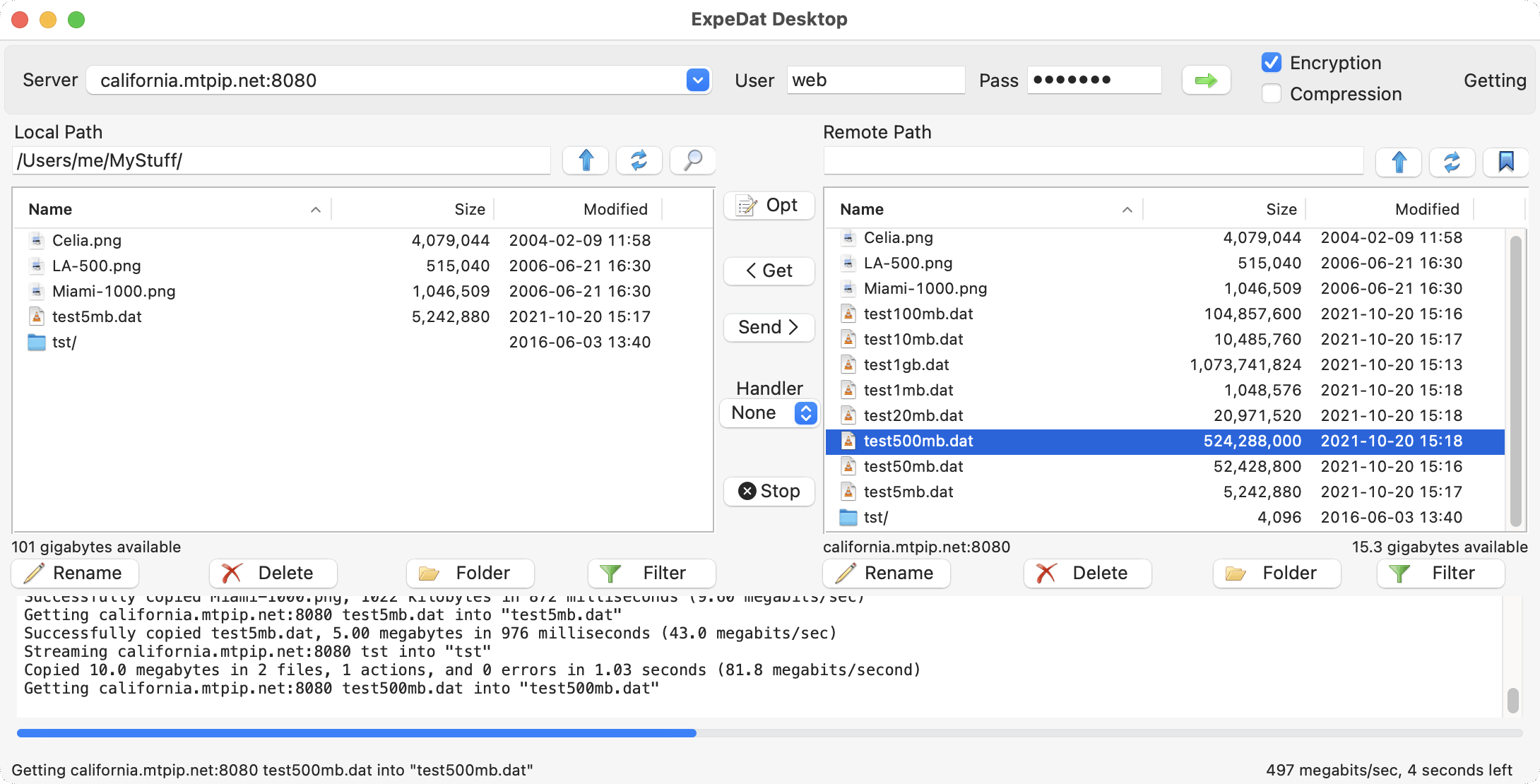
Your authentication credentials will determine your access rights on the server. If you receive "Permission Denied" or similar errors, it may indicate that the given username does not have access to the designated home directory or the given Remote Path.
Credentials are always encrypted when communicating with the server, even if the "Encryption" checkbox is unchecked.
TOTP Multifactor Authentication
For user accounts requiring a TOTP code, you must have a TOTP authenticator app on your phone or computer that has been prepared with your user TOTP Secret. See Tech Note 0039 for an overview of TOTP MFA authentication. Contact the server administrator if you have not yet setup a TOTP authenticator. Once the authenticator app is ready, follow these steps:
- Make sure
ExpeDat Desktopis idle (no active transfers). - Enable the lock button
 to the left of the "User" field.
- Enter your username and password.
- Click the green arrow ("Go") button.
- Enter the TOTP code currently displayed by the authenticator app.
TOTP codes expire after about 30 seconds, so enter it promptly. An incorrect or stale TOTP code will result in the error "A valid MFA token is required". If the password is incorrect or the account is not TOTP enabled, a "Bad Credentials" error will be returned.
You may not interact with other servers while a TOTP session is active. If the server restarts or you need to connect to a different server host, you may need to start a new TOTP session with a new code.
Characters
Usernames must be less than 63 bytes and passwords less than 95 bytes when UTF-8 encoded.
Usernames and passwords should consist of only ASCII letters, numbers, and printable symbols. The use of other characters, such as extended unicode characters, may work in some environments but is not assured and may compromise security.
Windows Domains
If the server is running on a Windows system with Active Directory or LDAP enabled, you may specify an authentication domain after your username by using the following syntax:
username@windomain
This should only be done for Windows servers which use explicit domains for authentication.